Framing His Blessings
A "Faith & Fingerpaints" Course from Dee Garone Photography
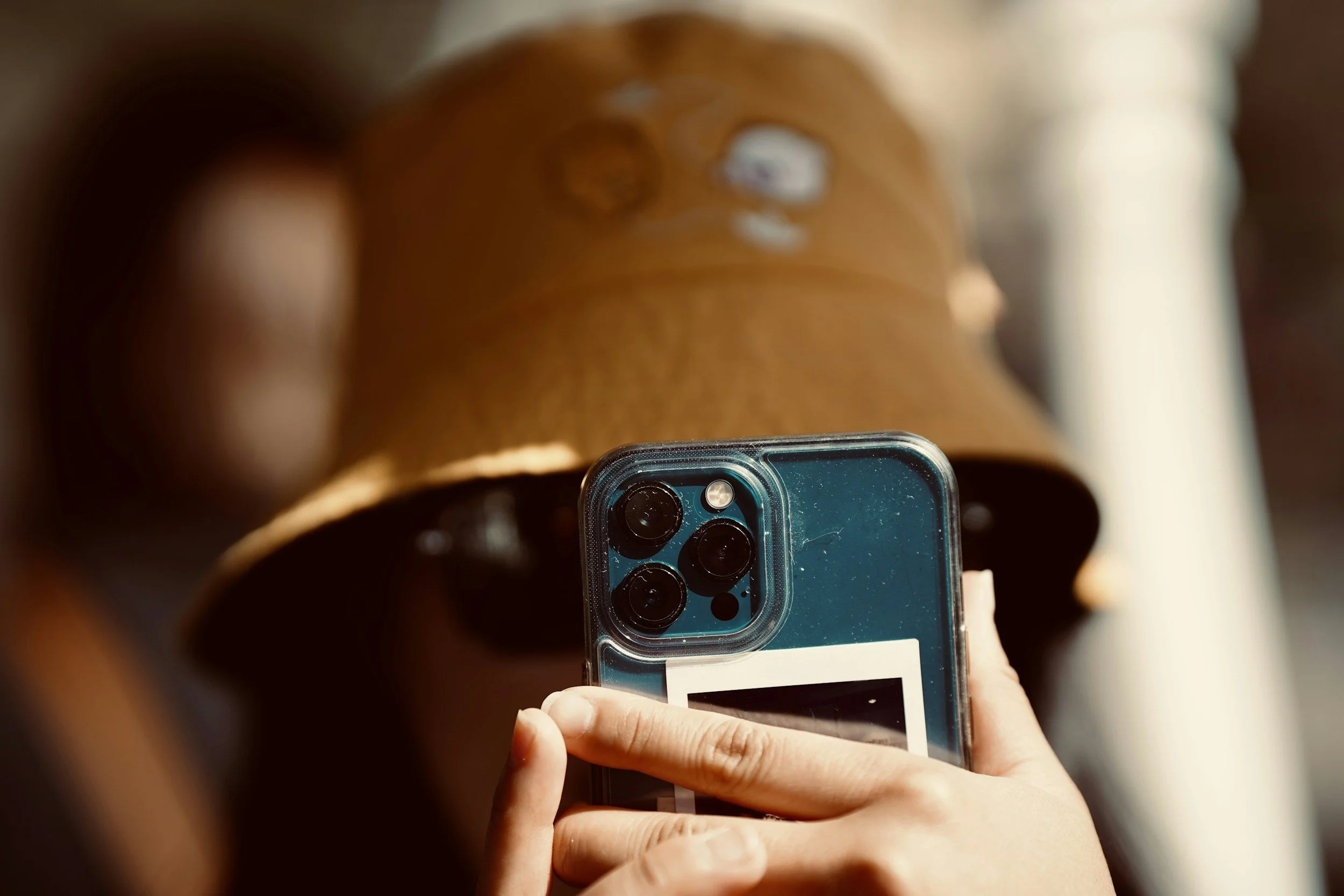
This 5-module course is for absolute beginners who want to stop taking boring snapshots and start making magical, faith-filled, aesthetic family memories. We'll use your phone's camera and some free, no-fuss apps to get you creating beautiful photos and videos.
-
-
Time to Frame His Blessings
This course establishes the spiritual and physical basics of photography, teaching you to see your phone as a tool for stewarding God's light.
This course establishes the spiritual and physical basics of photography, teaching you to see your phone as a tool for stewarding God's light.
-
-
-
Welcome Founding Member!
A celebratory introduction for the "founding members" who are saying yes to seeing the holy in the mess.
A celebratory introduction for the "founding members" who are saying yes to seeing the holy in the mess.
-
Lesson 1.2: Controlling Your Camera
Become the boss of your camera by using tap-to-focus and exposure sliders to fix your gaze on the specific story you want to tell.
Become the boss of your camera by using tap-to-focus and exposure sliders to fix your gaze on the specific story you want to tell.
-
Lesson 1.3: Locking It In
Use AE/AF Lock to "stand firm" so your focus and brightness settings stay frozen even when your children move.
Use AE/AF Lock to "stand firm" so your focus and brightness settings stay frozen even when your children move.
-
Lesson 1.4: The Secret Ingredient is Light
Master the "Window Rule" by turning off harsh overhead lights and moving your subject toward soft, natural "God Light."
Master the "Window Rule" by turning off harsh overhead lights and moving your subject toward soft, natural "God Light."
-
Lesson 1.5: Finding the "Golden Hour"
Discover the "magic cheat code" of warm, glowing light that occurs during the hour after sunrise and the hour before sunset.
Discover the "magic cheat code" of warm, glowing light that occurs during the hour after sunrise and the hour before sunset.
-
-
-
Lesson 2.1: The Rule of Thirds
Use camera gridlines to place subjects on "pleasant lines" and intersections, creating a more dynamic and balanced story.
Use camera gridlines to place subjects on "pleasant lines" and intersections, creating a more dynamic and balanced story.
-
Lesson 2.2: Change Your Angle, Change the Story
Enter the "toddler-verse" by lowering your physical posture to their eye level, making your child the hero of the frame.
Enter the "toddler-verse" by lowering your physical posture to their eye level, making your child the hero of the frame.
-
Lesson 2.3: Posed vs. Candid (Prompt, Don't Pose!)
Introduce your lesson with an optional, short summary. You can edit this excerpt in lesson settings.
Introduce your lesson with an optional, short summary. You can edit this excerpt in lesson settings.
-
Lesson 2.4: Using Your Magic Modes (Portrait & Burst)
Introduce your lesson with an optional, short summary. You can edit this excerpt in lesson settings.
Introduce your lesson with an optional, short summary. You can edit this excerpt in lesson settings.
-
-
-
Lesson 3.1: Stability is Everything! (T-Rex Arms)
Introduce your lesson with an optional, short summary. You can edit this excerpt in lesson settings.
Introduce your lesson with an optional, short summary. You can edit this excerpt in lesson settings.
-
Lesson 3.4: Basic Camera Movements
Introduce your lesson with an optional, short summary. You can edit this excerpt in lesson settings.
Introduce your lesson with an optional, short summary. You can edit this excerpt in lesson settings.
-
Lesson 3.5: The A-B-C Storytelling Combo
Introduce your lesson with an optional, short summary. You can edit this excerpt in lesson settings.
Introduce your lesson with an optional, short summary. You can edit this excerpt in lesson settings.
-
-
-
Lesson 4.2: Using Filters & Presets (Tastefully!)
Introduce your lesson with an optional, short summary. You can edit this excerpt in lesson settings.
Introduce your lesson with an optional, short summary. You can edit this excerpt in lesson settings.
-
Lesson 4.3: Redeeming the "Oops" (Straightening & Cropping)
Introduce your lesson with an optional, short summary. You can edit this excerpt in lesson settings.
Introduce your lesson with an optional, short summary. You can edit this excerpt in lesson settings.
-
Lesson 4.4: The Soul of a Photo (Black & White)
Introduce your lesson with an optional, short summary. You can edit this excerpt in lesson settings.
Introduce your lesson with an optional, short summary. You can edit this excerpt in lesson settings.
-
Lesson 4.5: Organizing Your Altar (Culling & Favorites)
Introduce your lesson with an optional, short summary. You can edit this excerpt in lesson settings.
Introduce your lesson with an optional, short summary. You can edit this excerpt in lesson settings.
-
-
-
Lesson 5.1: Getting in the Frame (The 10-Second Timer)
Introduce your lesson with an optional, short summary. You can edit this excerpt in lesson settings.
Introduce your lesson with an optional, short summary. You can edit this excerpt in lesson settings.
-
Lesson 5.2: The High-Quality Grab (The Video Steal)
Introduce your lesson with an optional, short summary. You can edit this excerpt in lesson settings.
Introduce your lesson with an optional, short summary. You can edit this excerpt in lesson settings.
-
Lesson 5.3: Hearing Their Heart (Live Photos & Sound)
Introduce your lesson with an optional, short summary. You can edit this excerpt in lesson settings.
Introduce your lesson with an optional, short summary. You can edit this excerpt in lesson settings.
-
Lesson 5.4: Training the Next Historian
Introduce your lesson with an optional, short summary. You can edit this excerpt in lesson settings.
Introduce your lesson with an optional, short summary. You can edit this excerpt in lesson settings.
-
Lesson 5.5: From Screen to Stone (Printing Your Blessings)
Introduce your lesson with an optional, short summary. You can edit this excerpt in lesson settings.
Introduce your lesson with an optional, short summary. You can edit this excerpt in lesson settings.
-
-
-
Lesson B.3: Adding the Word (Text & Bible Verses)
Introduce your lesson with an optional, short summary. You can edit this excerpt in lesson settings.
Introduce your lesson with an optional, short summary. You can edit this excerpt in lesson settings.
-
Lesson B.4: Slow Down the Blessing (Transitions & Pace)
Introduce your lesson with an optional, short summary. You can edit this excerpt in lesson settings.
Introduce your lesson with an optional, short summary. You can edit this excerpt in lesson settings.
-
Lesson B.5: The Final Export (Sharing Your Story)
Introduce your lesson with an optional, short summary. You can edit this excerpt in lesson settings.
Introduce your lesson with an optional, short summary. You can edit this excerpt in lesson settings.
-
-
-
Lesson 6.1: From Reset to Rhythm
You made it to the end of The Reset. This final lesson is a celebration of the journey we've taken together and a hand-off to your ongoing life as your family’s designated historian.
You made it to the end of The Reset. This final lesson is a celebration of the journey we've taken together and a hand-off to your ongoing life as your family’s designated historian.
-
Faith & Fingerpaints
"We will not hide them from their descendants; we will tell the next generation the praiseworthy deeds of the Lord..." — Psalm 78:4
What’s Included Today:
The Everyday Frames Field Guide: A 16-page interactive treasure map to help you "frame the blessings".
The Pocket Shot List: A screenshot-sized cheat sheet saved to your phone for split-second reference.
Full video modules go live on March 15th